Serve your built React frontend as a free static site with a custom domain and managed TLS. Static sites do not use the free web-service instance-hour pool or spin down between requests.
Static React sites are free. Backend instances have a fixed monthly price, prorated by the second.
Capability | Render | |||
|---|---|---|---|---|
How React runs | Static CDN frontend or framework web service | Static hosting and React framework integrations | Static hosting and framework adapters | Long-running containers |
Free tier | Free static sites. Free web services spin down | Hobby plan, non-commercial only | 300 credits/month. Sites pause at the limit | $5 trial for 30 days, then $1/month credit |
Static sites | Free, served from a CDN | Served from Vercel's CDN | Global CDN on every plan | Runs as a service, optional CDN caching |
Backend services | Web services, workers, and private services | Functions. Daemons in beta | Functions. Netlify Server in early access | Long-running services |
Preview deploys | PR previews. Full-stack preview environments on Pro | Preview deployments | Deploy Previews, unlimited on Free | PR environments |
Managed Postgres and Redis | Postgres from $6 with PITR, plus Key Value | Third-party, via Marketplace | Netlify Database (Postgres) | Maintained databases. HA and Postgres PITR opt-in |
Background workers | Workers and cron jobs | Cron and Workflows. Queues and Daemons in beta | Background functions (15 min) and scheduled functions | Workers and cron jobs |
Competitor details as of November 2026.
Keep your frontend on the CDN and add APIs or datastores as separate services when you need them.
Serve the production build close to users without running a Node.js process for static files.
Use your product’s domain with managed certificates and automatic HTTP-to-HTTPS redirects.
Configure redirects and rewrites for your client-side router. Preserve asset paths and any explicit API routing rules.
Render deploys static builds atomically and invalidates CDN caches after a successful release.
Run an API as a separate web service and keep its database on the private network. Browser requests use a public API URL.
Use static-site pull request previews to review UI changes at a separate URL. Keep preview configuration distinct from production secrets.
Create a Static Site from the repository containing your React app. Choose the branch and root directory.


Set your production build command and publish directory, such as dist for Vite. Add an index.html rewrite if your client-side router needs it.


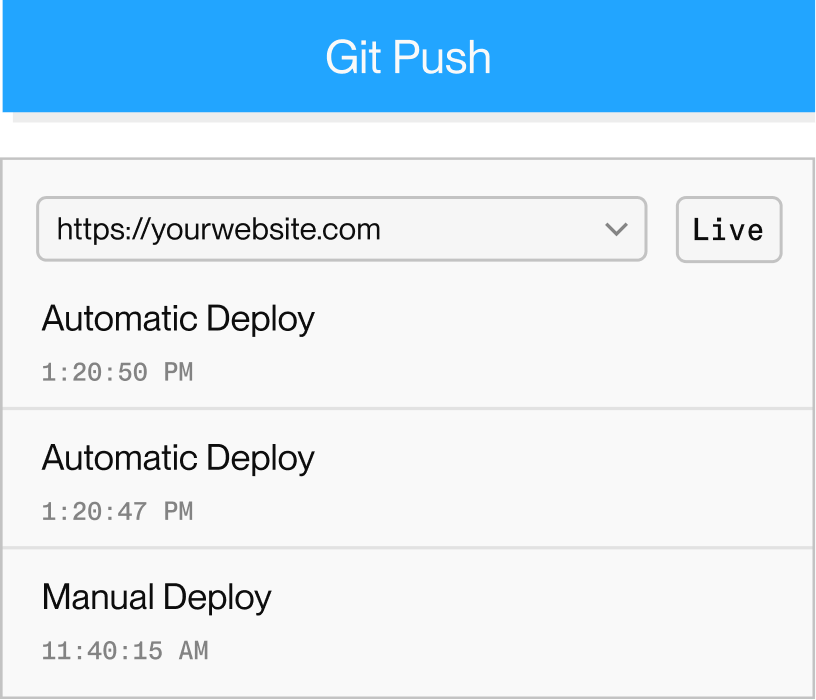
Deploy the first build and test direct navigation to nested routes. Future pushes to your connected branch can publish updates automatically.