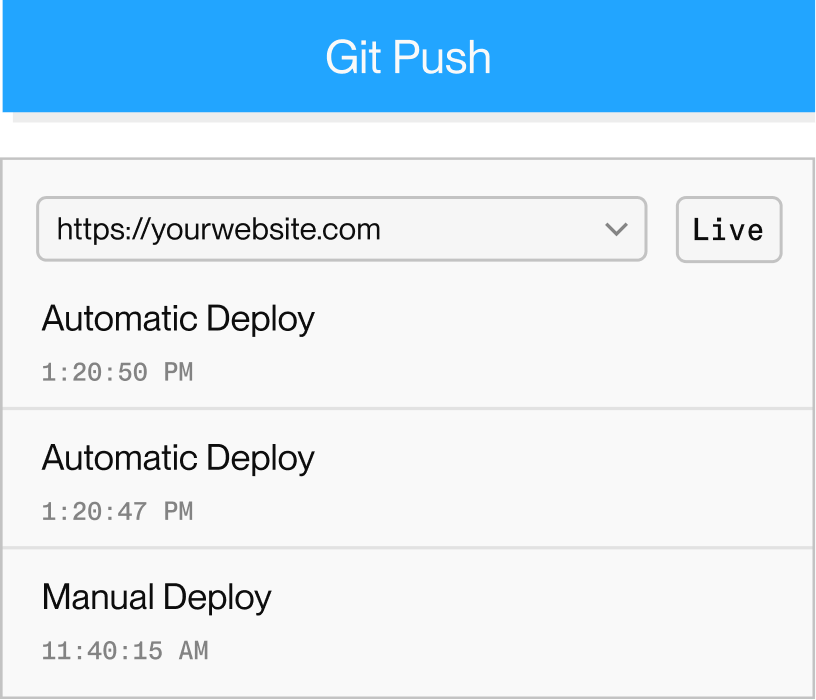
Try a small containerized Java HTTP app on a free web service with 512 MB RAM. Use a public URL and managed TLS, then choose a larger paid instance when the app needs more memory.
Each instance has a fixed monthly price, prorated by the second.
Capability | Render | |||
|---|---|---|---|---|
How Java runs | Docker web service | Long-running container | Web dyno | Fly Machine built from a Dockerfile |
Free tier | 750 free hours/month. Spins down after 15 min idle | $5 trial for 30 days, then $1/month credit | None. Eco: $5/month for 1,000 hours | No free tier. Personal bills under $5 waived |
Always-on, 2 GB | $25/month (1 CPU) | Up to $40/month at full use (1 vCPU) | $250/month (Performance-M, 2.5 GB dedicated) | $13.39/month shared CPU, $33 dedicated |
Managed Postgres and Redis | Postgres from $6 with PITR, plus Key Value | Maintained databases. HA and Postgres PITR opt-in | Postgres and Key-Value. No rollback on Essential | Managed Postgres from $38, HA included. Upstash Redis |
Background workers | Workers and cron jobs | Workers and cron jobs | Worker dynos and Scheduler | Process groups. Cron via Supercronic |
Stack as code | One render.yaml, auto-synced on push | Project file, applied with CLI or CI | app.json per app, read only at creation | fly.toml per app. No database definitions |
Autoscaling | Scales on CPU or memory, Pro plan and up | Manual replicas. Vertical up to plan limits | Performance, Private and Shield dynos only | Proxy autostart, or a self-run autoscaler |
Competitor details as of November 2026. Instance prices are compute only. Fly.io prices are for US East.
Run Java in Docker with the JDK you choose. Define your services and databases in one render.yaml Blueprint.
Select the JDK, JRE, and system dependencies in your container. Keep your image and application libraries updated.
Choose memory for the whole process, including heap, metaspace, threads, and other native allocations. Measure your app before setting memory limits.
Connect your application to Render Postgres through the internal URL. Keep database and application services in the same workspace and region.
Configure an HTTP health check that reports application readiness. Keep startup behavior and graceful shutdown appropriate for your framework.
Run queue consumers as background workers and scheduled commands as cron jobs. Each resource has its own compute charge.
Add instances to share web traffic when demand grows. Autoscaling is available on Pro and up, and disk-backed services cannot scale horizontally.
Pick a GitHub, GitLab, or Bitbucket repo and branch.
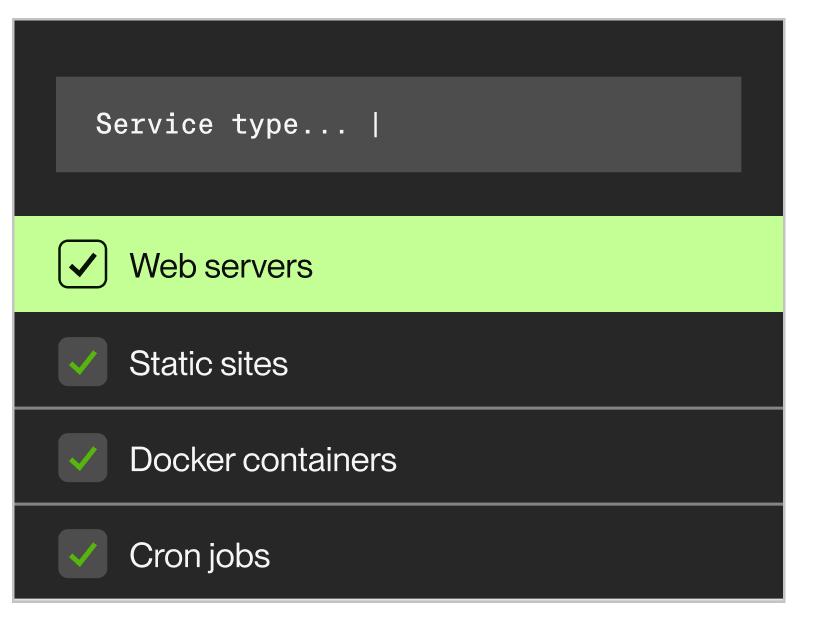
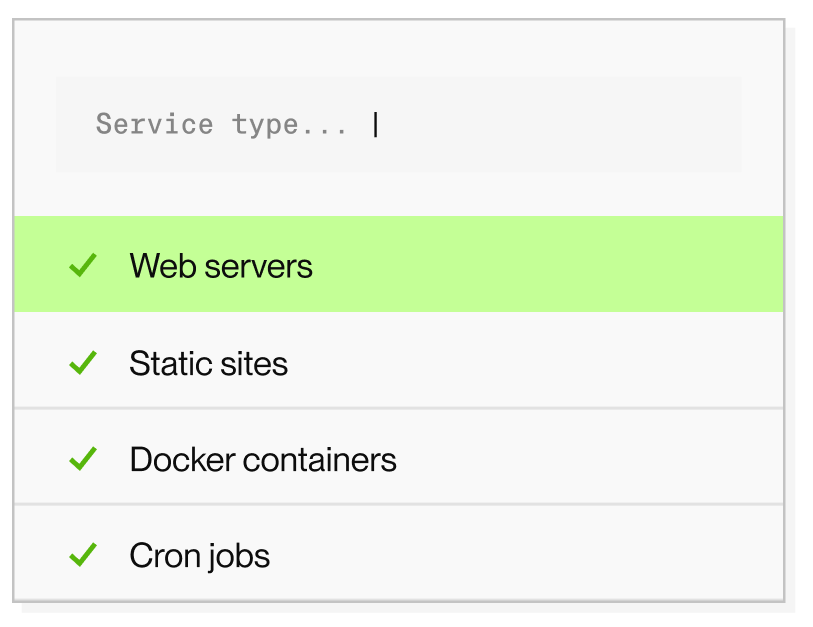
Choose Docker, set your Dockerfile path, and add environment variables. Configure the app to bind to 0.0.0.0 and use the service port.


Render builds your app and publishes its URL. Every later commit to your branch deploys automatically, or only after CI checks pass.